
Calm glass dashboard
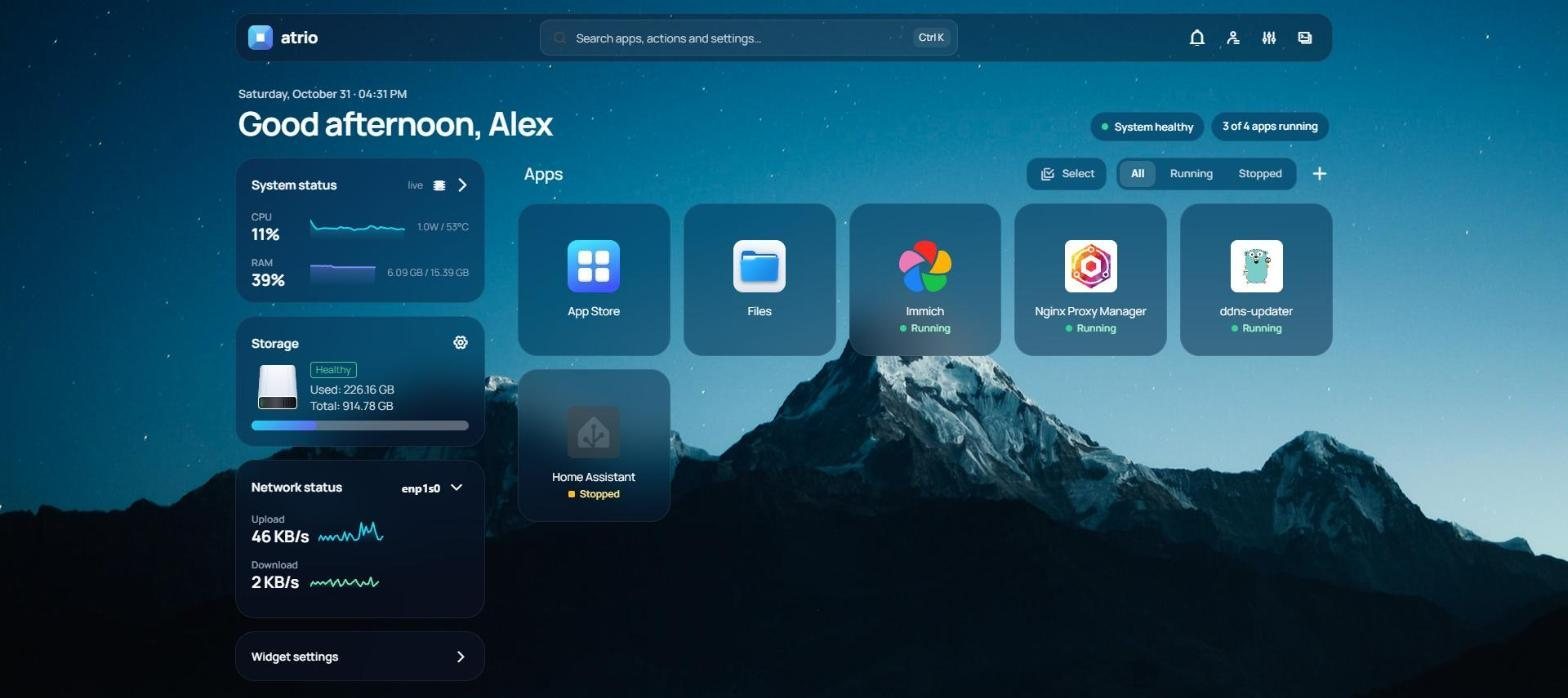
A greeting, the time and the health of your server at a glance. Translucent panels over your wallpaper, one clean typeface, no noise.
Open source · For CasaOS
Atrio is a redesigned launcher and web UI for CasaOS. It replaces only the interface you see in the browser: your apps, data and settings stay exactly where they are.
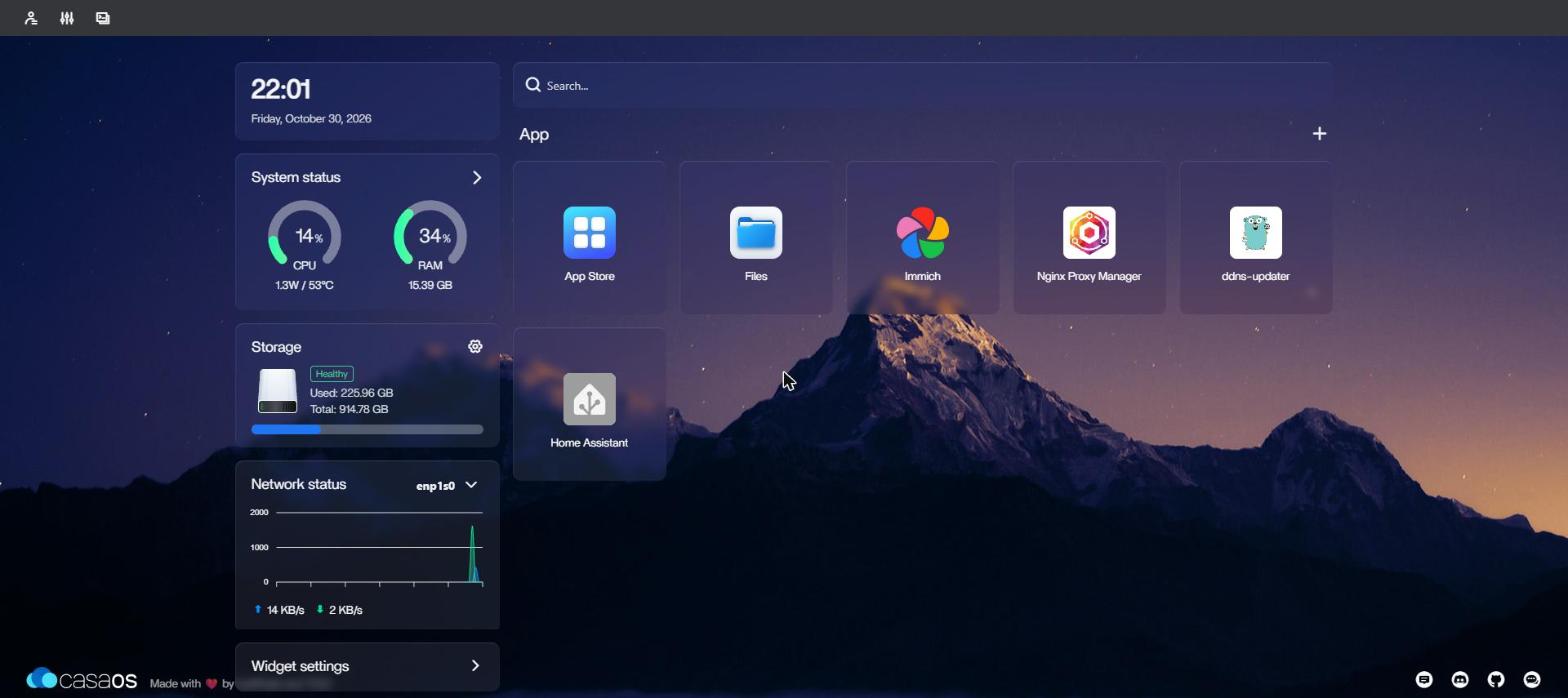
Atrio is a modification of the CasaOS web UI, a fork of CasaOS-UI by IceWhale Technology. It talks to the standard CasaOS backend and is not affiliated with or endorsed by IceWhale.
A greeting, the time and the health of your server at a glance. Translucent panels over your wallpaper, one clean typeface, no noise.
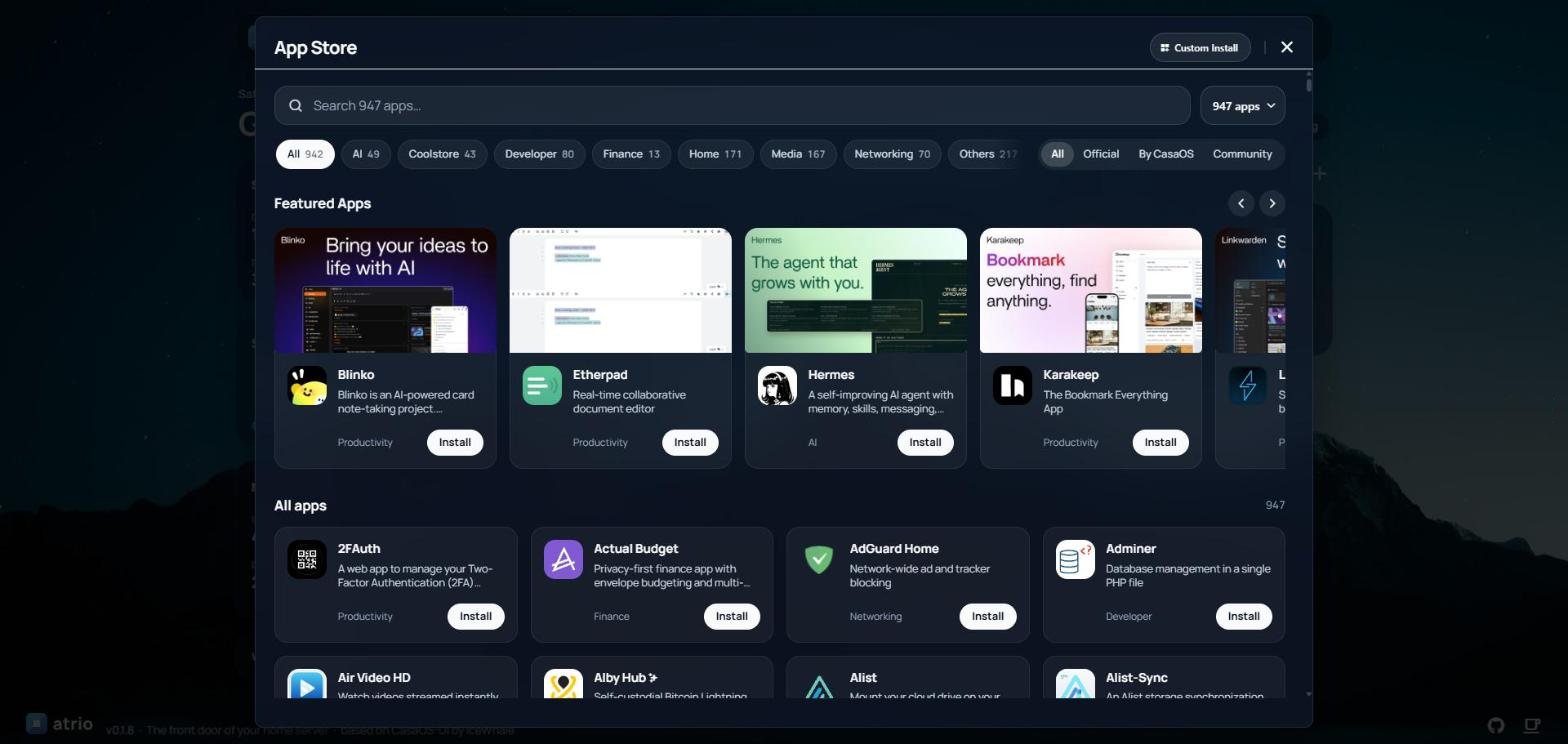
Search first, categories and authors as chips, a clear installed state, and the install progress right in your app grid.
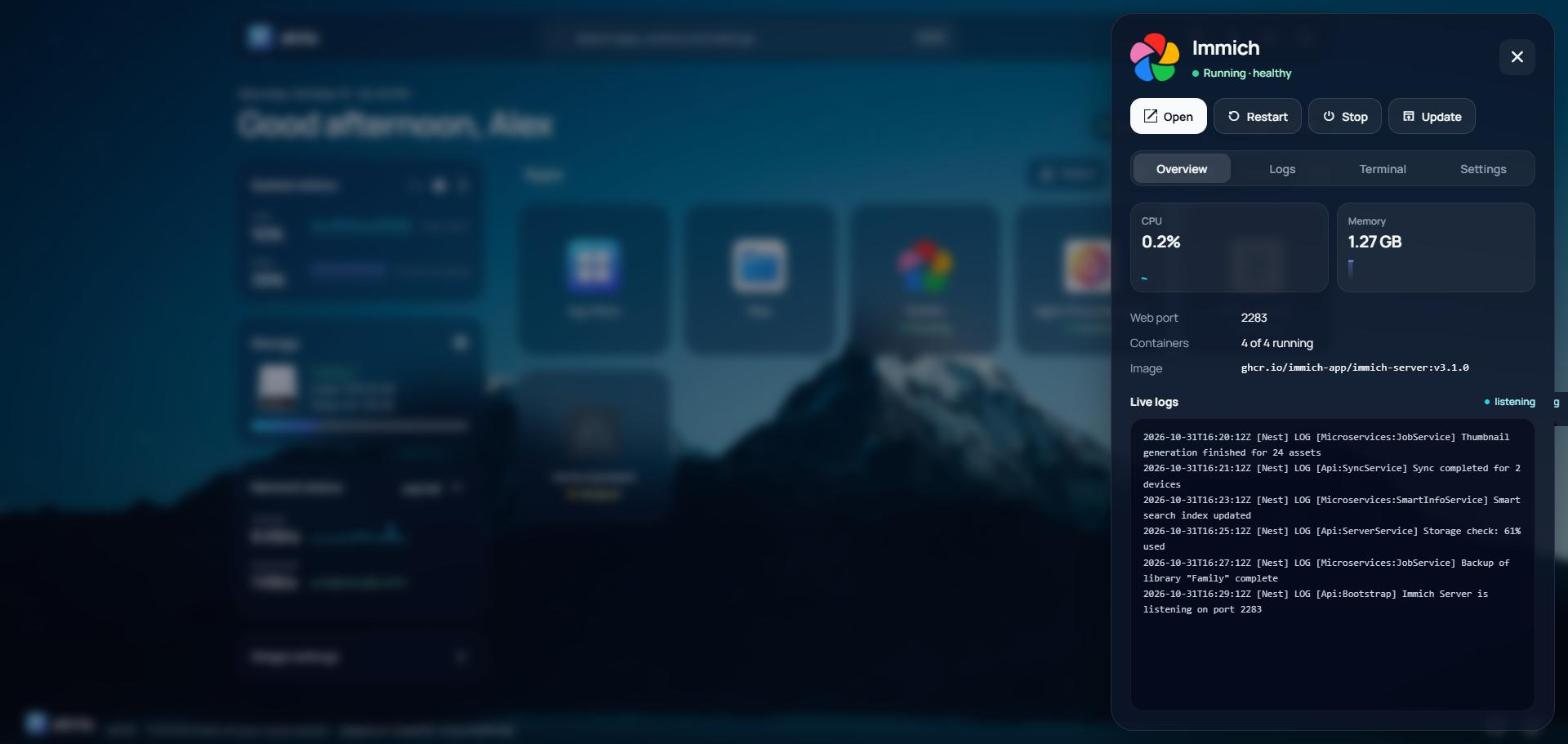
Overview, logs, terminal and settings as tabs. Install and settings forms in clear sections, with errors that say what to type.
Select apps in the grid and start, stop, restart or update them together.
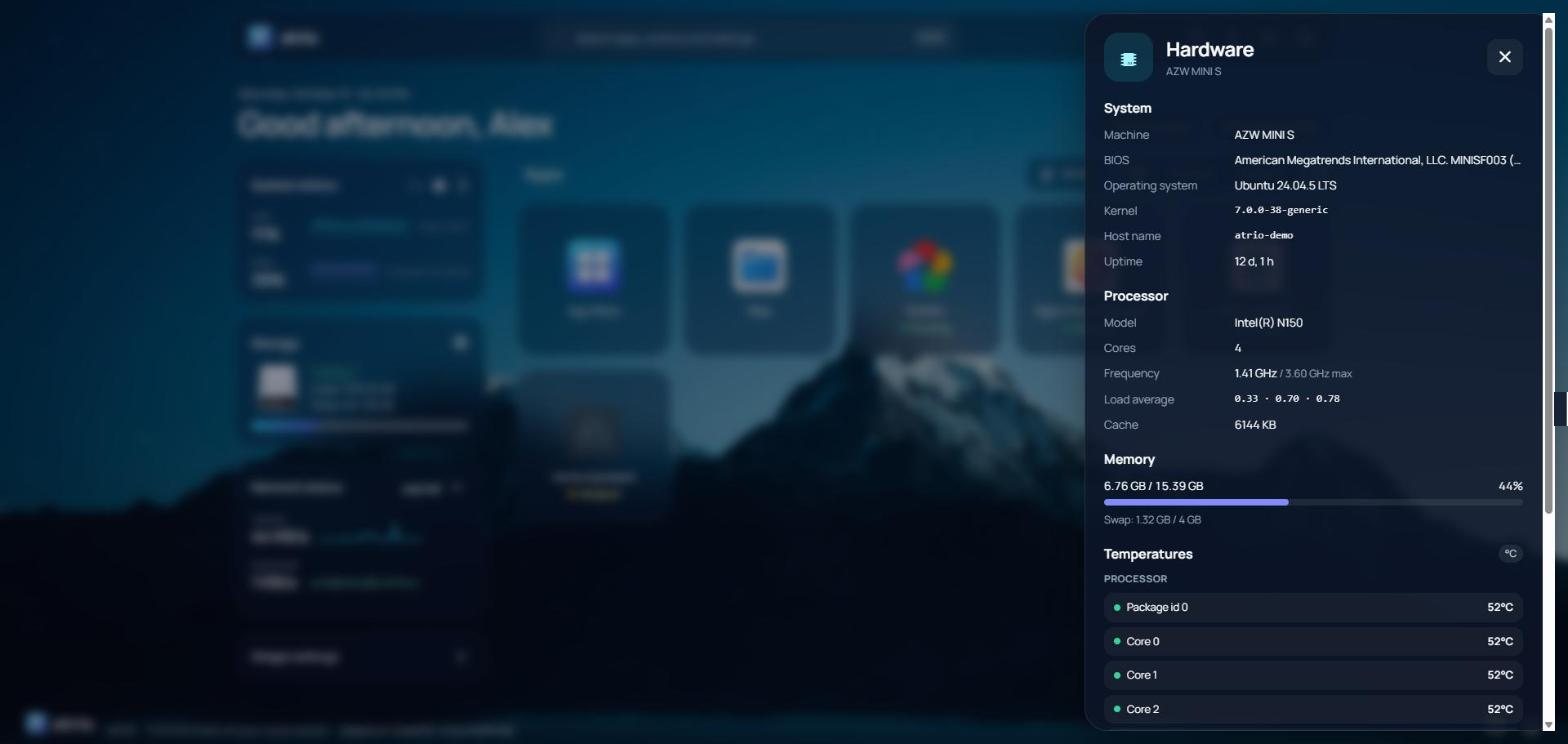
Machine, BIOS, processor, memory and every sensor it reports: temperatures, and fans and voltages where available.
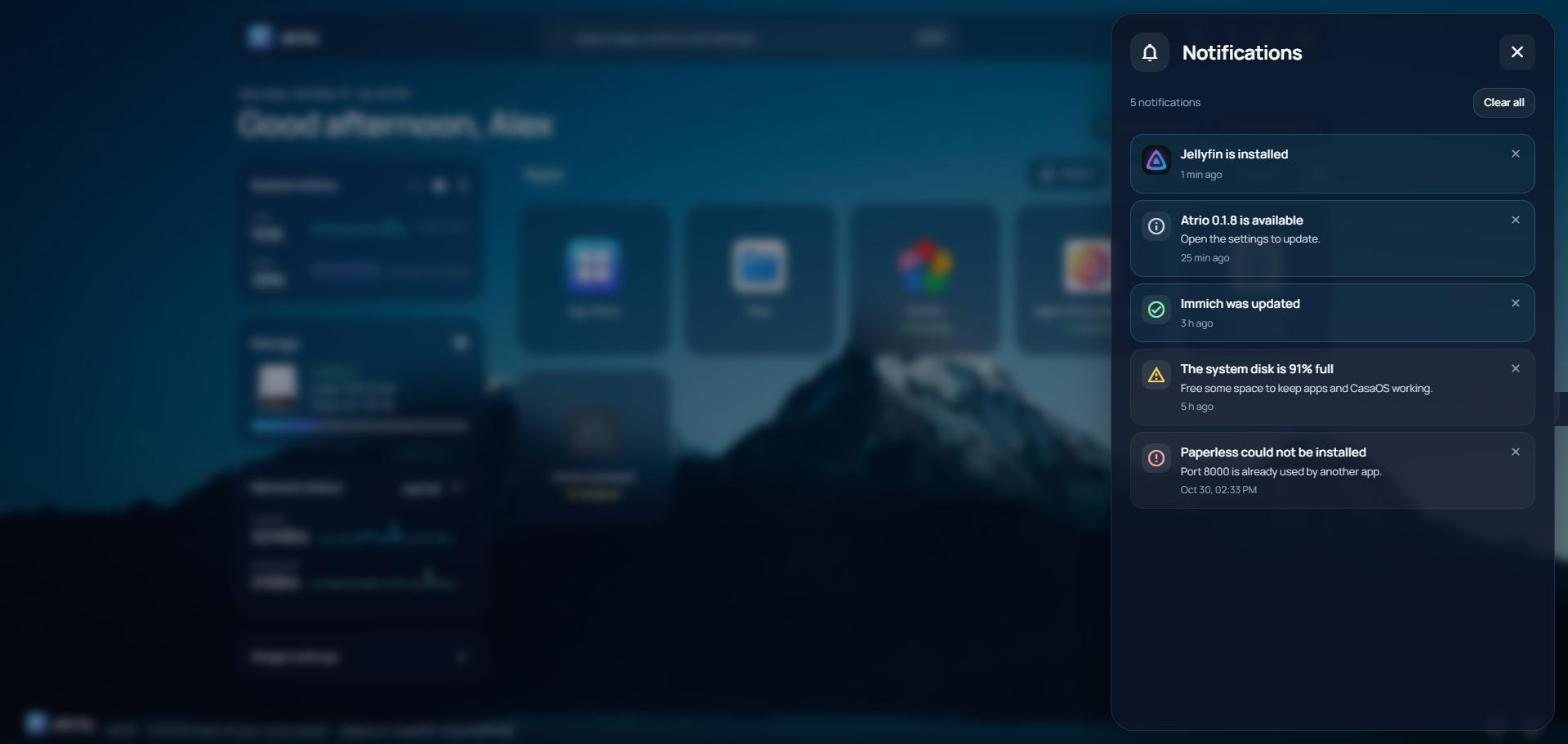
Finished and failed installs, app updates, a disk almost full or unhealthy, a hot processor, new versions: one bell, nothing missed.
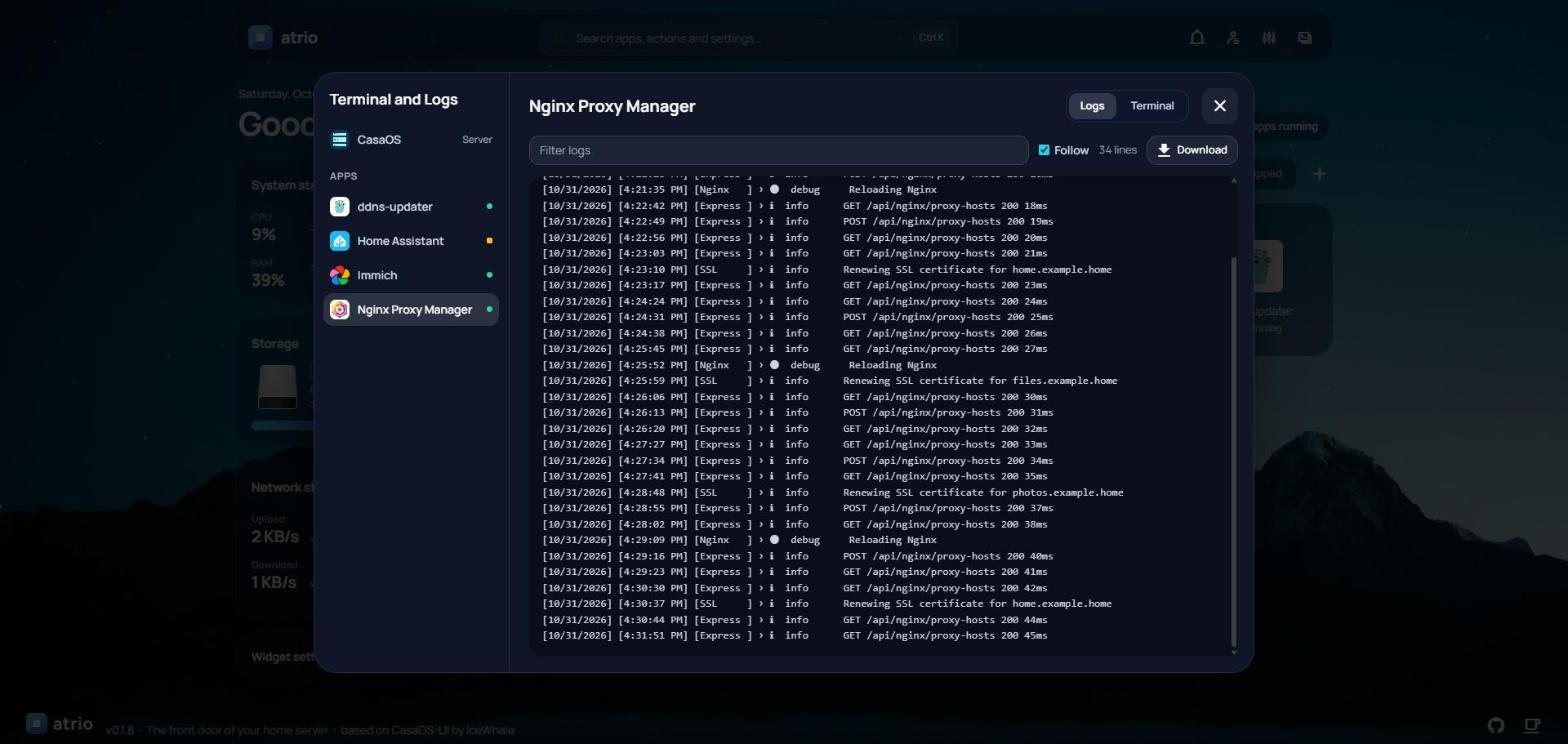
Logs and terminal of the server and of every app in one place, with a filter, follow mode and download.
Show, hide and reorder the widgets, and add any web page of your network, like an app's status page.
A red dot when a new version is out, one click to install it with a progress screen, and Atrio comes back on its own after a CasaOS update.
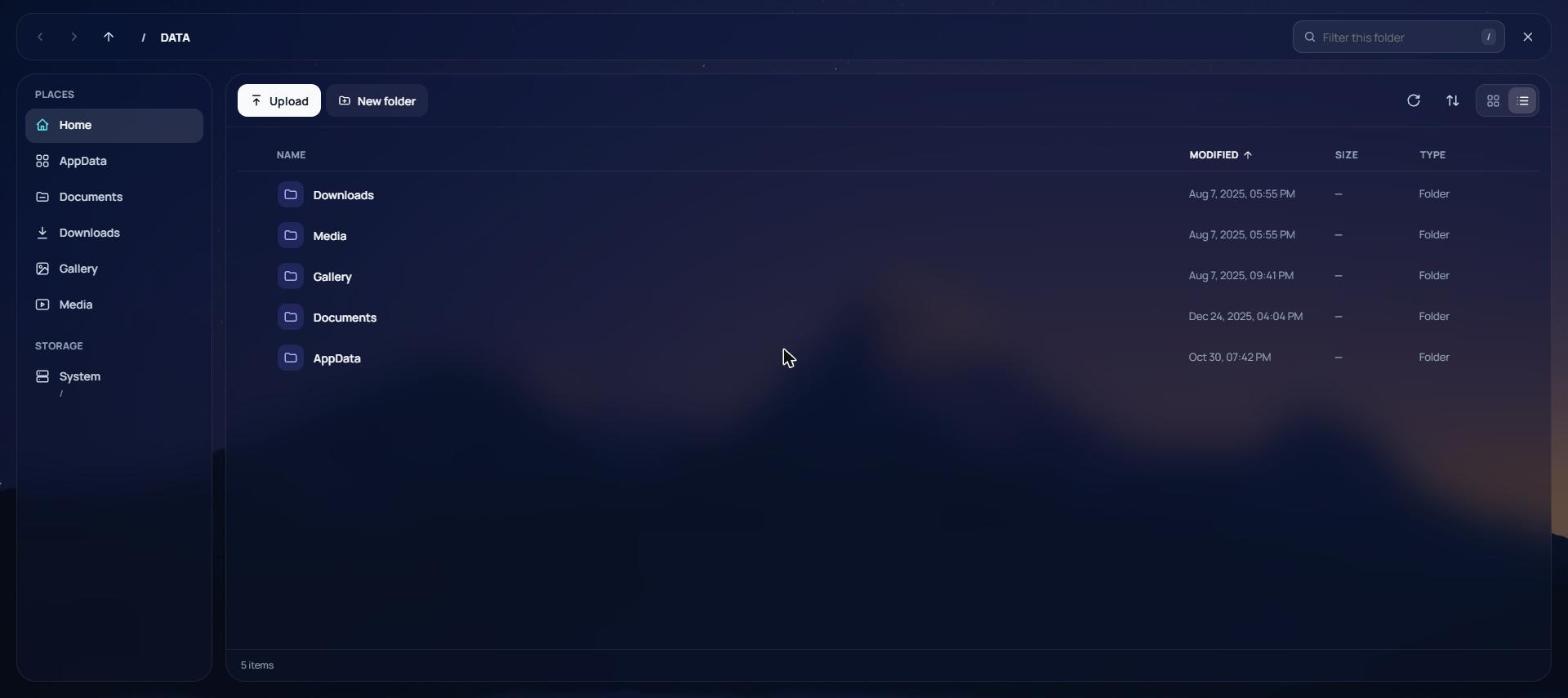
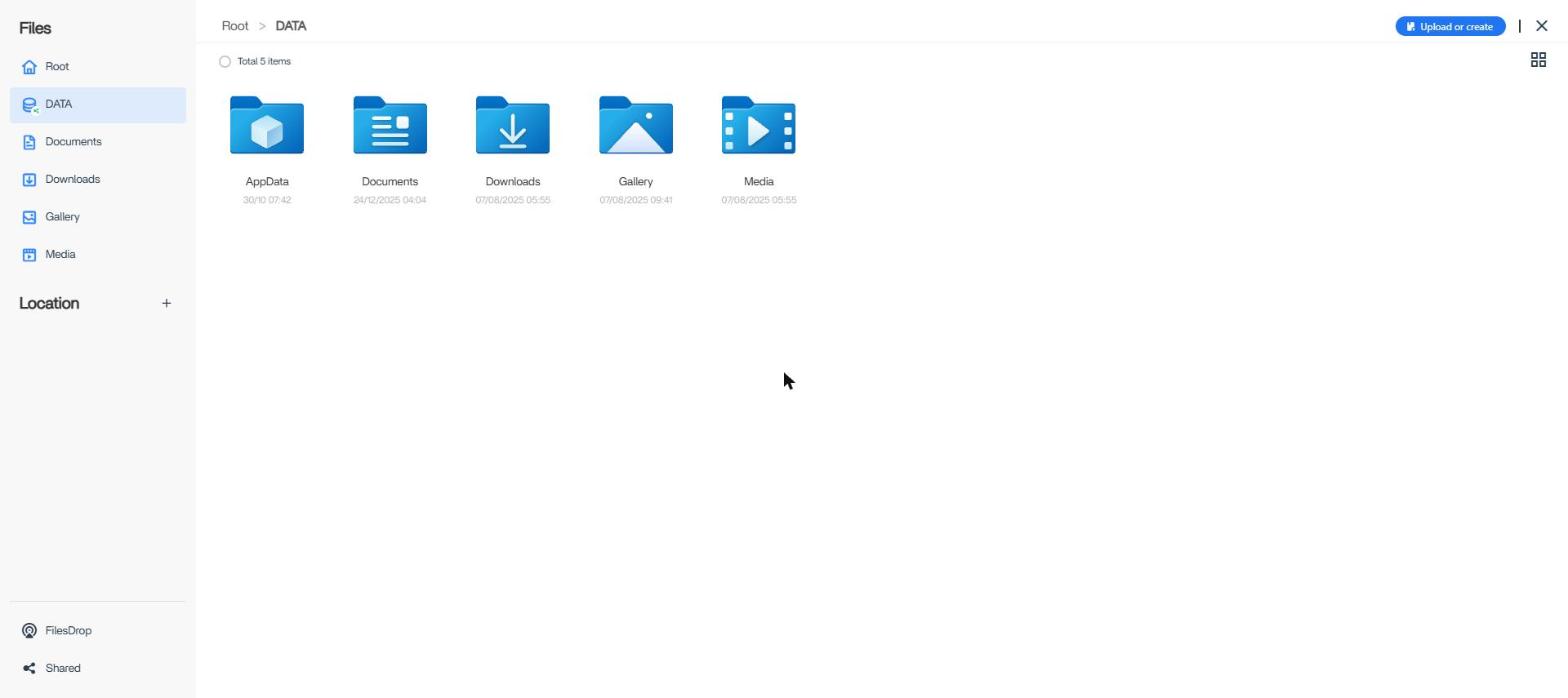
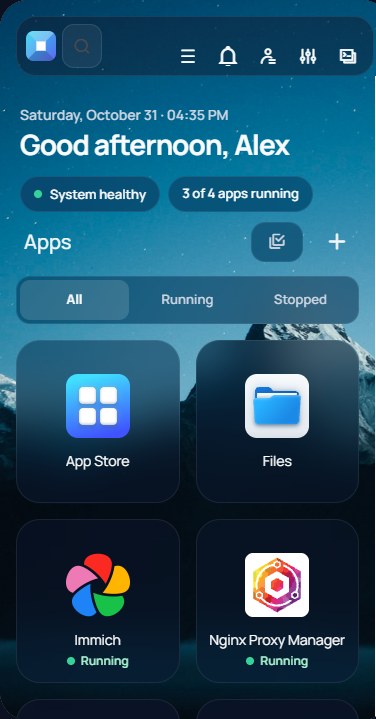
Large tap areas, filters that fit, panels that use the whole screen. Add Atrio to your home screen and it opens full screen with its own icon.
On the machine that runs CasaOS (tested with CasaOS v0.4.15):
curl -fsSL https://raw.githubusercontent.com/peppeaiello/atrio/main/scripts/install.sh | sudo bash
Then reload CasaOS in your browser with Ctrl F5. The installer:
/var/lib/casaos/www, the folder CasaOS serves its UI from;Puts the original CasaOS UI back and removes the updater:
curl -fsSL https://raw.githubusercontent.com/peppeaiello/atrio/main/scripts/uninstall.sh | sudo bash
No. Atrio is only the web interface. It uses the same CasaOS backend and APIs, so your apps, files, users and settings are untouched. Uninstalling brings back the original UI.
No. Atrio is an independent fork of CasaOS-UI, released under the same Apache 2.0 license, with full credit to IceWhale Technology and the CasaOS community. CasaOS is a trademark of its respective owners.
A CasaOS update may put its own UI back. Atrio notices and installs itself again about 30 seconds later, keeping the new CasaOS UI as the copy to restore. It also works without internet, from the last release it saved.
Atrio is young but the screens you use every day are redesigned: dashboard, App Store, app panel, install and settings forms, files, settings, account, console and notifications. A few rarely used dialogs still look like CasaOS. Feedback and bug reports on GitHub are very welcome.